Shop Touchscreens
Client: Vodafone

Client: Vodafone
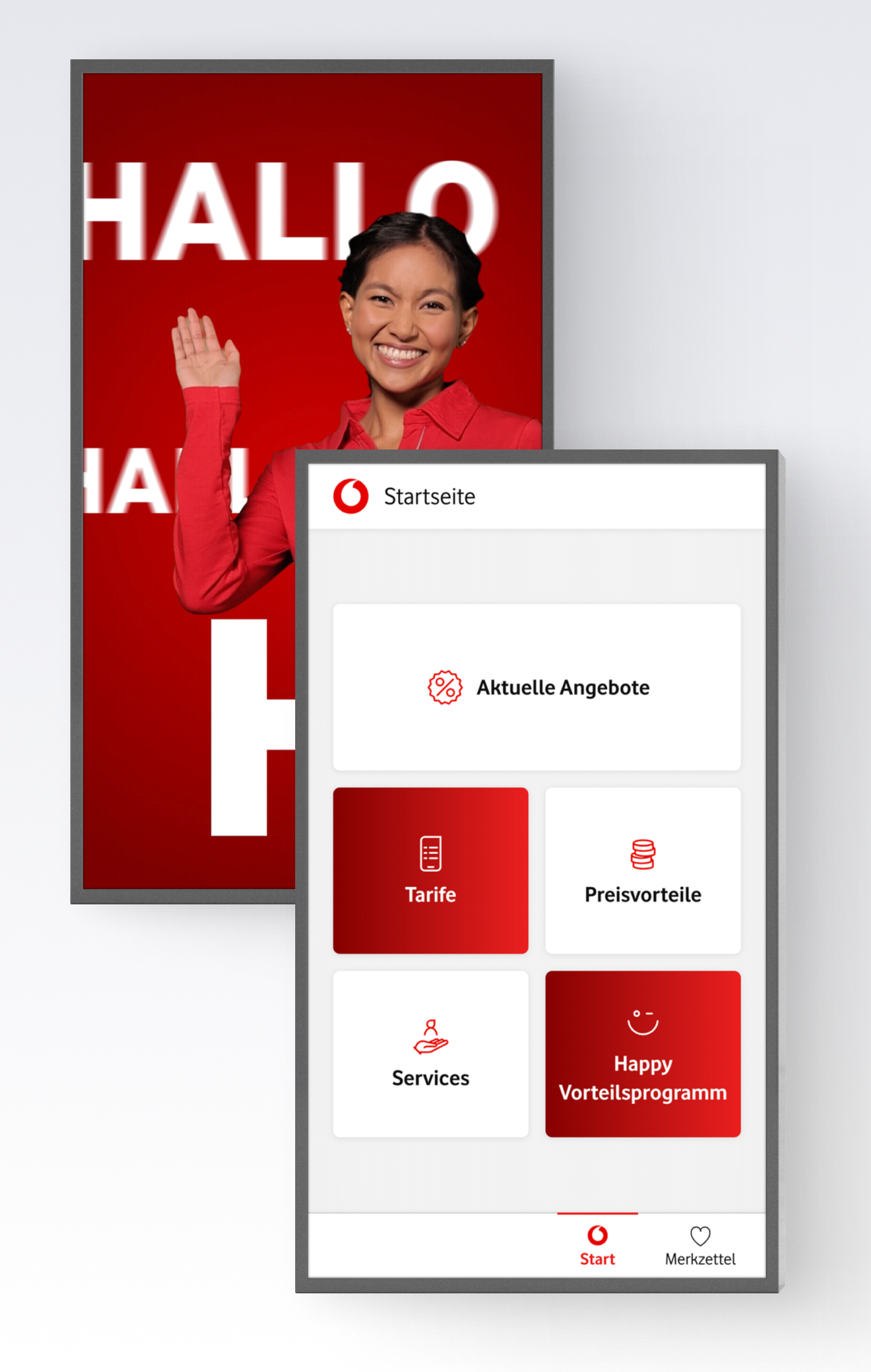
The previous application ran on a WordPress setup. Technically complex, but not tailored for use in the shop. Content and functions seemed designed for a website, not for use at the POS. Instead of quick help, there was information overload and little guidance.
But the store needs exactly the opposite: an application that gets to the point and provides support when no advisor is available.
Together with the customer team, we didn't just rebuild the application, we asked the right questions from the outset: What does the touchscreen really need? What helps customers in the store? And what can be removed without anything being missing? The result was an intuitive, minimalist application tailored precisely to its specific use in the store. Not an overloaded modular system, but a focused tool based on Payload CMS that delivers measurable performance on site.
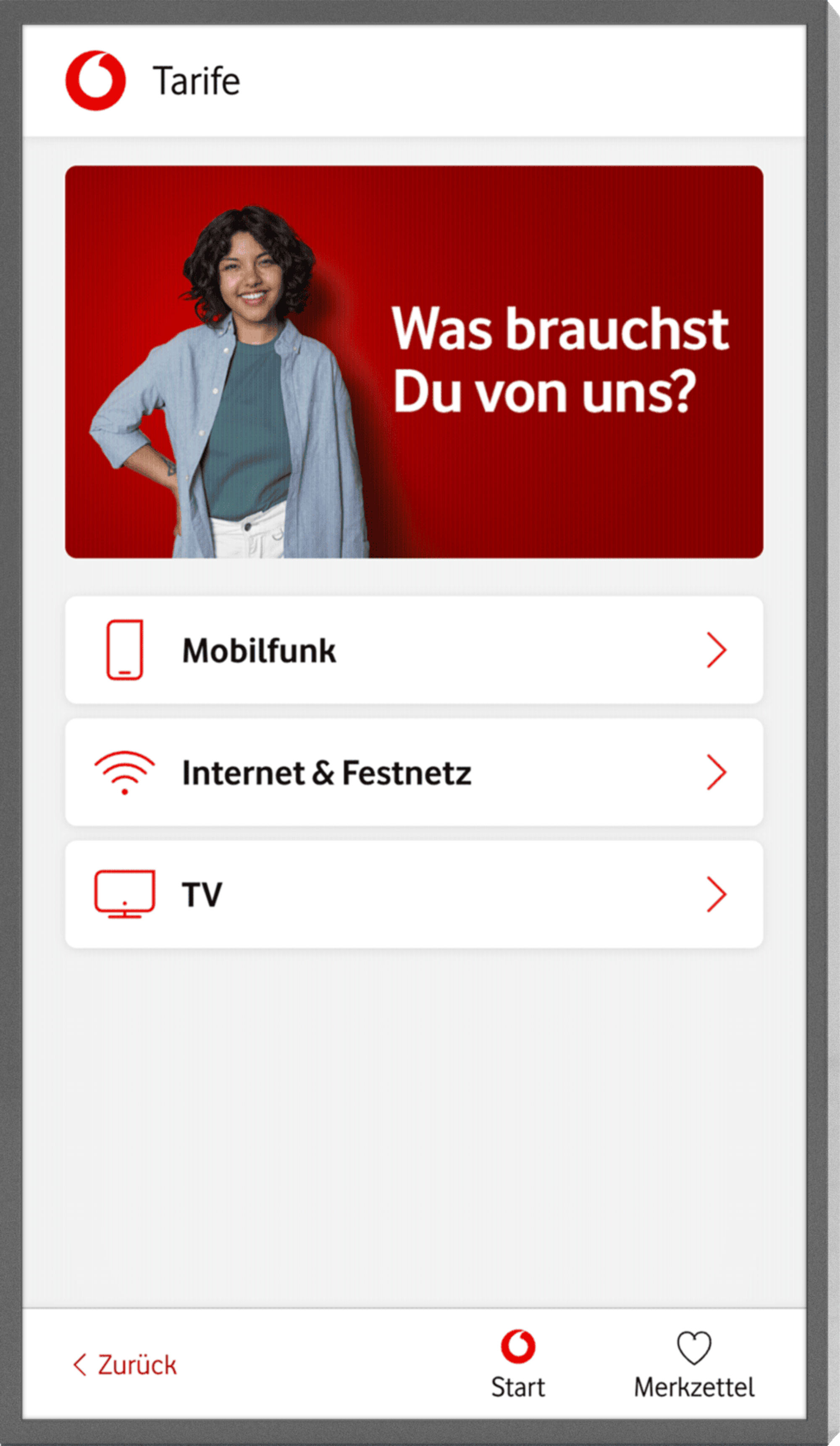
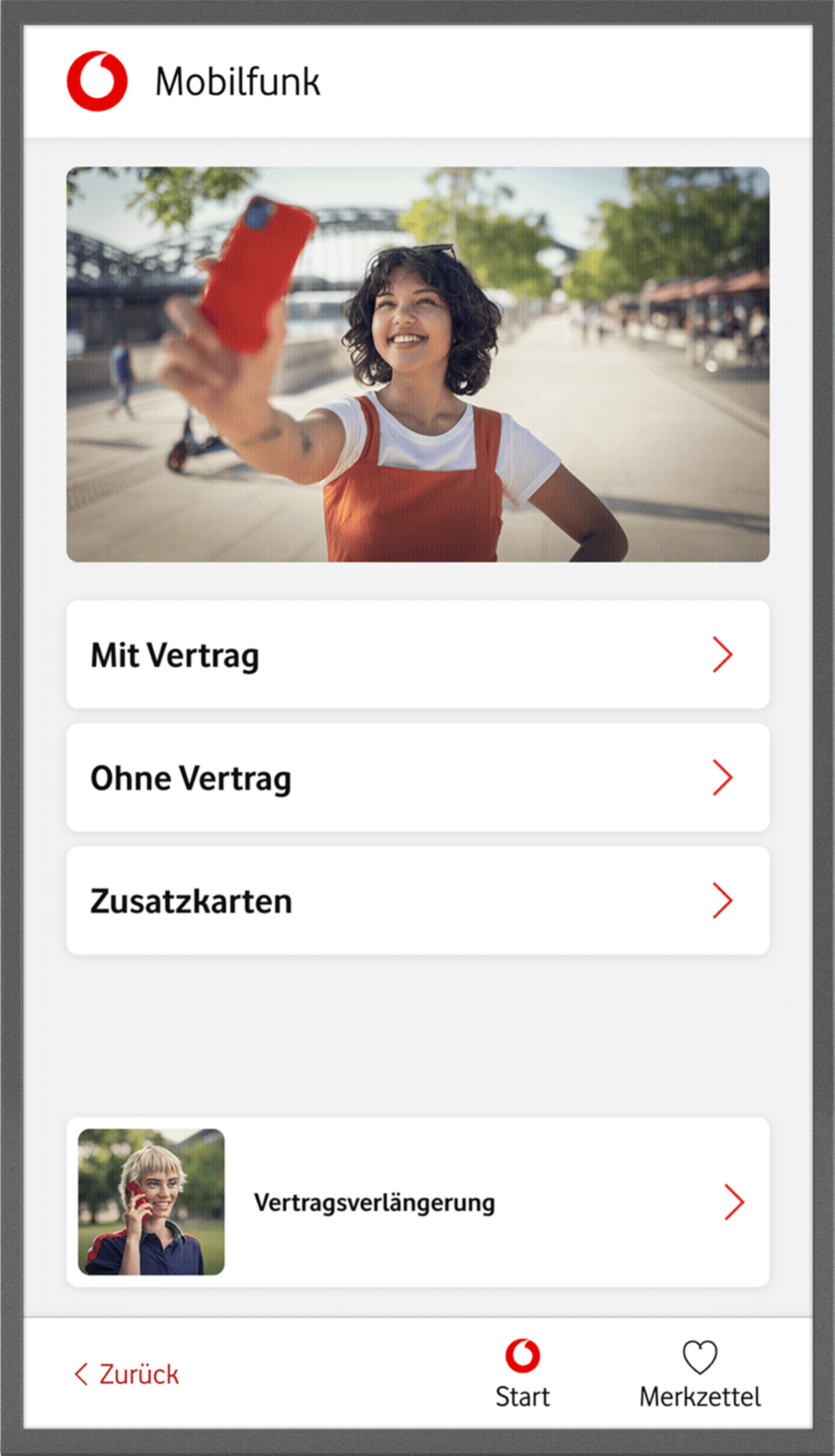
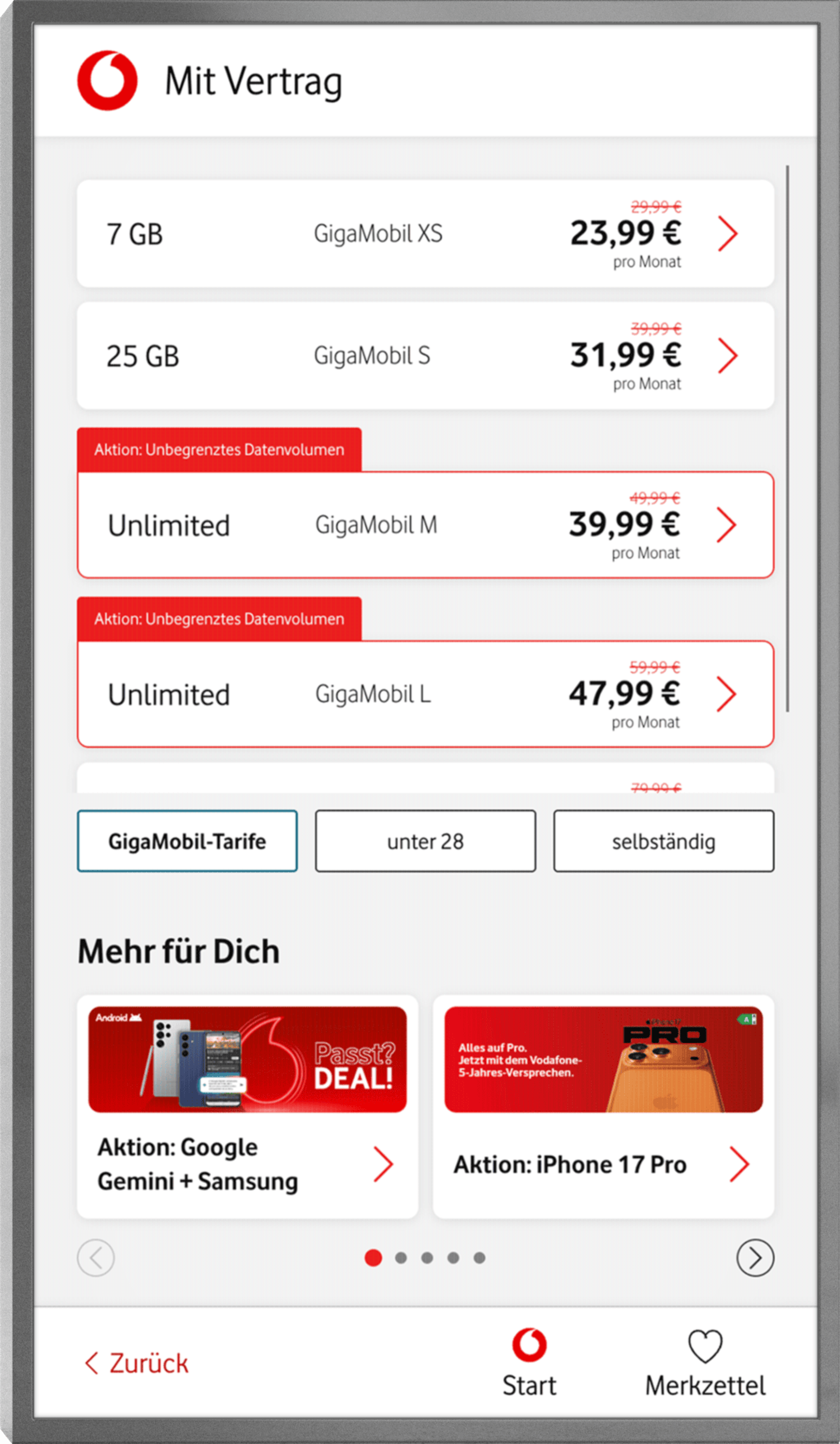
Before we started working on the interface, Vodafone had already done some important groundwork: market research showed what content customers really want to see. Based on this, the content was streamlined by a partner agency.
Our task was to present this content in a meaningful way. Together with the customer team, we developed an interface that is clearly structured, intuitive, and user-centered. Perfectly tailored for use directly in the store.
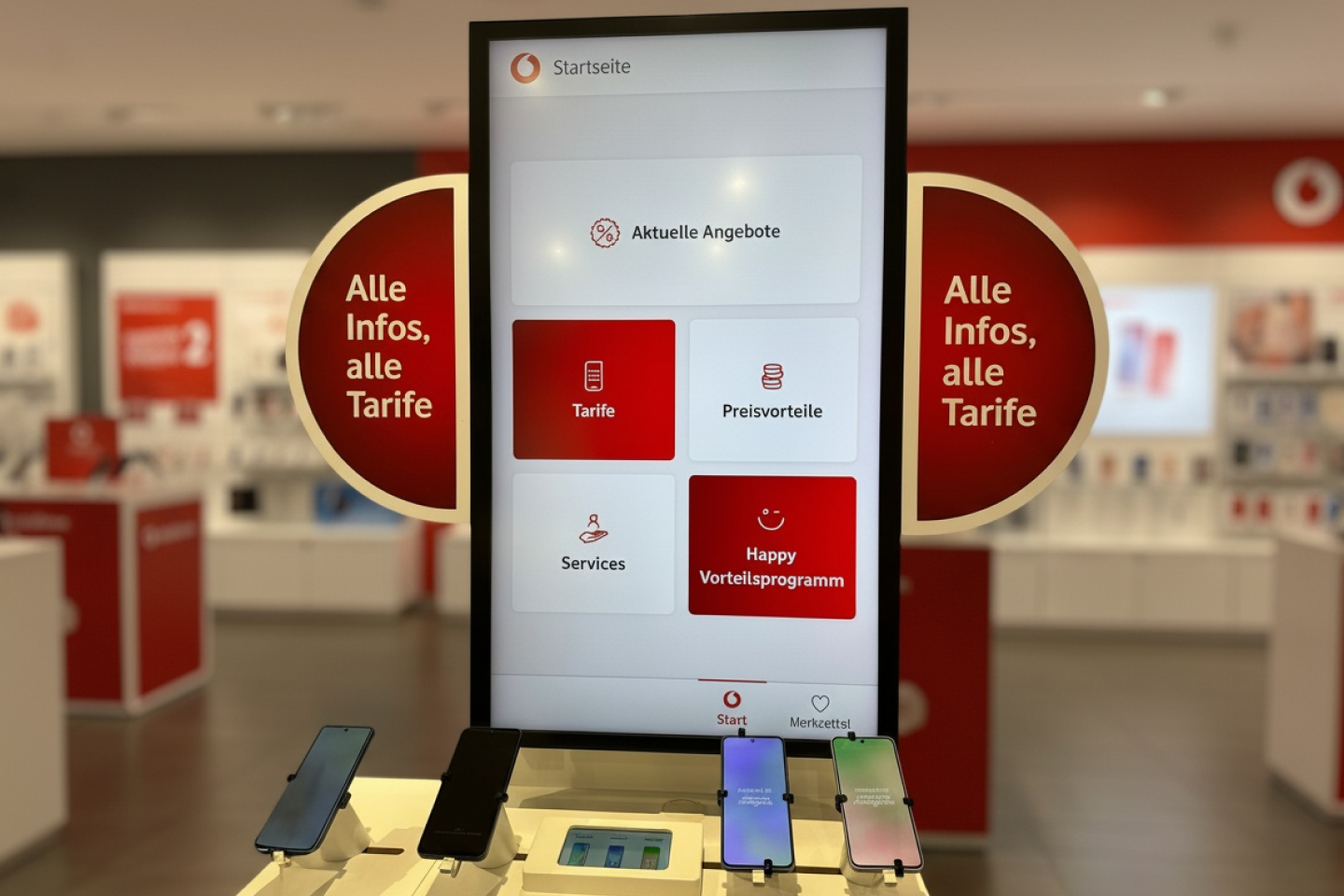

By switching to Payload CMS, a modern headless CMS, we have created a streamlined, future-proof solution that is precisely tailored to the needs of the shop.
The new setup is not a generic modular system, but a precisely tailored tool from our Marketing Productivity Tools world. Reduced to the functions that are really needed in the shop, but with the option of integrating new modules at any time. This keeps the system future-oriented and high-performing.
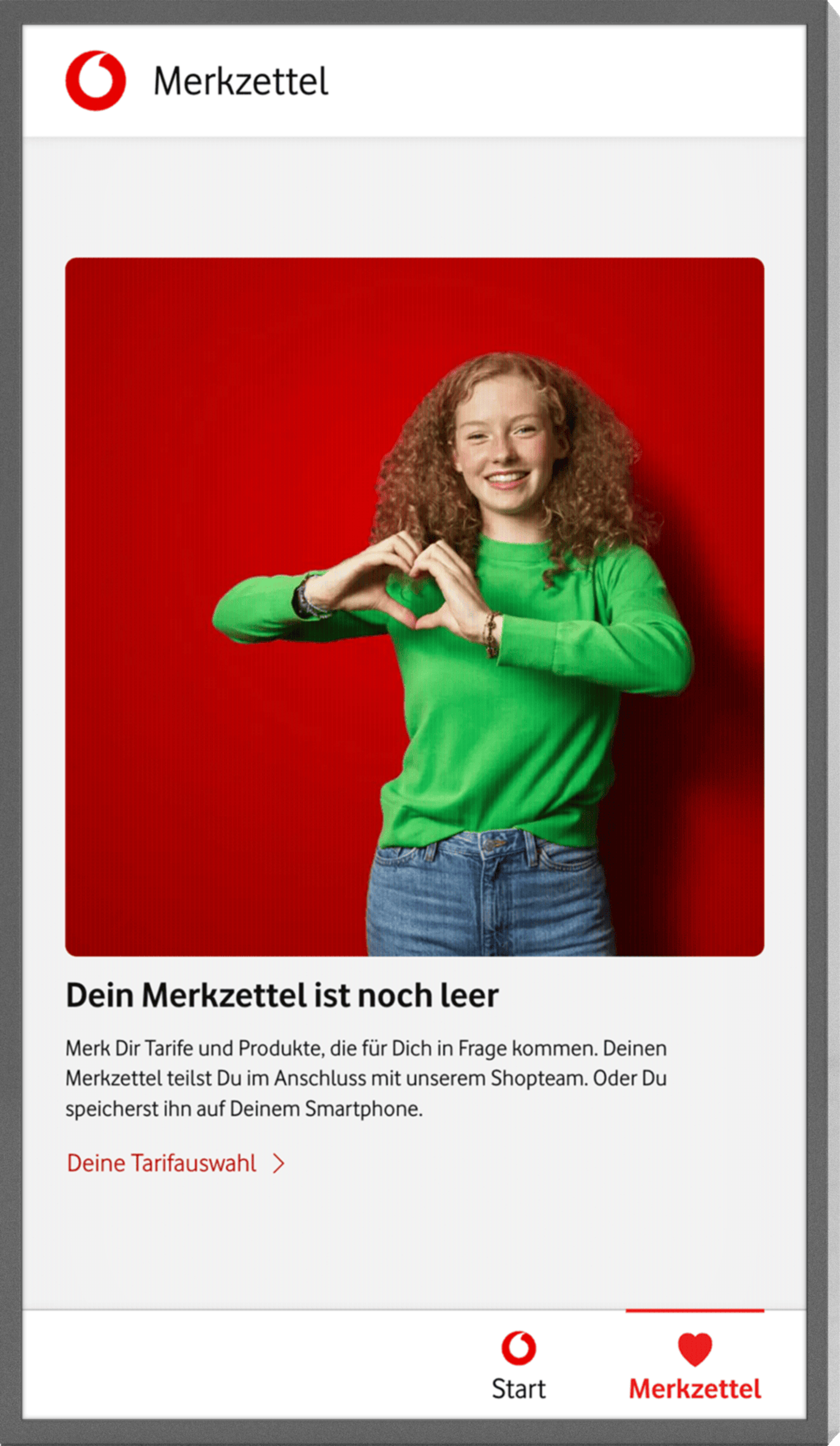
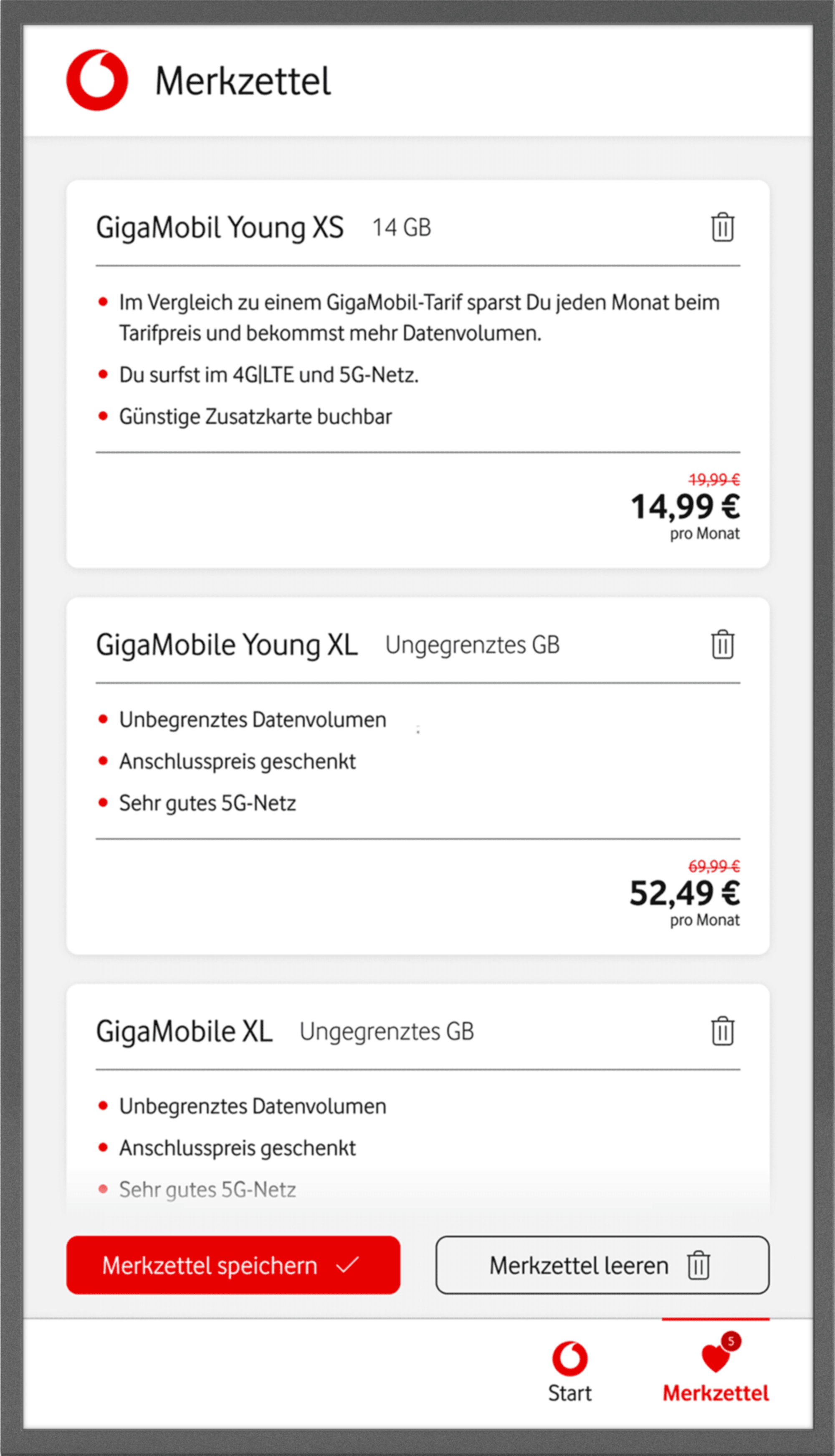
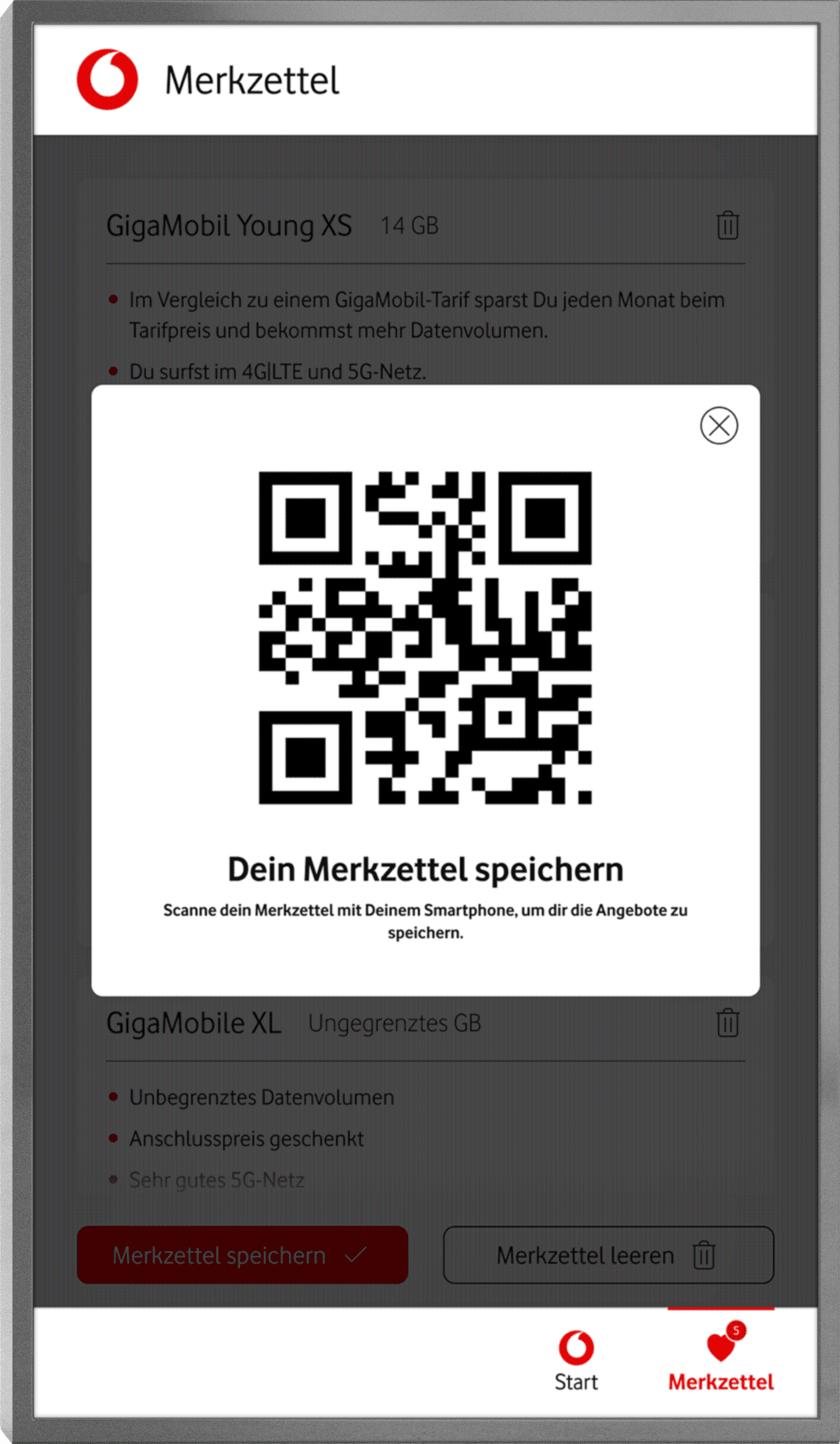
A real highlight: the integrated memo function offers real added value. Especially when no advisor is available.
Customers can easily collect relevant content on the screen, such as suitable rates or services, and take it with them directly to their smartphone via an individually generated QR code.
This way, the touchscreen becomes not just a silent helper, but a real part of the consultation experience.
The new application transforms an overloaded touchscreen into a strategic shop tool: with reduced content, intuitive operation, and a flexible technical setup, customers can quickly find what they need, especially when no advice is available.
This makes the screen an active part of the customer journey: